Complete Guide to Employee Attendance Management: From QR Codes to Facial Recognition
Master employee attendance management. Compare dynamic QR codes, facial recognition, GPS geofencing, and real-time timesheets for modern workforces.
Complete Guide to Employee Attendance Management: From QR Codes to Facial Recognition
Managing workforce time and presence has transitioned from an administrative chore into a cornerstone of operational efficiency. For decades, organizations relied on manual logbooks, magnetic swipe cards, and standalone mechanical punch clocks. These legacy systems introduced widespread vulnerabilities: time theft, unrecorded overtime, buddy punching, and endless hours spent reconciling spreadsheets before running payroll.
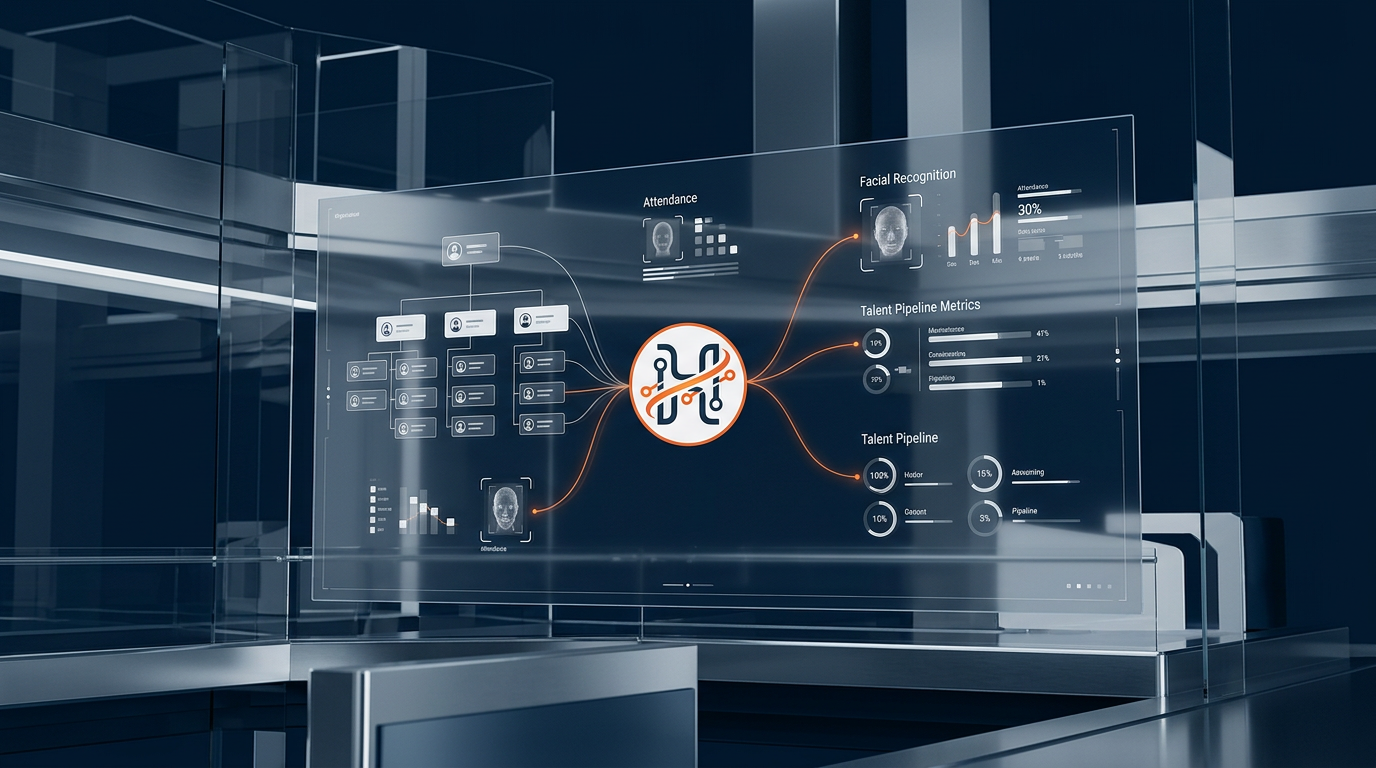
Modern organizations require an intelligent approach. Contemporary employee attendance management blends software automation with advanced identification technologies—ranging from dynamic QR codes to AI-powered facial recognition. By capturing accurate time data at the source, businesses eliminate human error, protect operating margins, and deliver a frictionless experience for on-site, hybrid, and deskless teams.
In this comprehensive guide, we examine how cutting-edge attendance technologies operate, evaluate hardware versus mobile-first clock-in methods, and explain how platforms like HR Suite by Smart Chain connect attendance logs directly into automated timesheets and multi-country payroll workflows.
The Evolution of Employee Attendance Management
Traditional attendance tracking suffered from a fundamental flaw: separation between the point of entry and the payroll engine. When an employee signed a paper roster or punched a paper card, that data sat in an administrative silo until an HR administrator manually transcribed it into a spreadsheet.
This gap created three persistent business issues:
- Buddy Punching and Time Theft: Colleagues punching in for late or absent teammates quietly erodes payroll budgets. According to research on organizational compliance, payroll leakage stemming from unverified time logging impacts operational costs by several percentage points annually.
- Administrative Friction: HR teams spend an average of several days each month chasing missing punch-ins, calculating split shifts, and adjusting overtime balances.
- Lack of Operational Visibility: Operations leaders managing multi-site facilities or distributed field teams could not verify who was actually on-site during an emergency or peak operating window.
Modern workforce management software resolves this fragmentation by turning time tracking into an integrated, real-time data flow.
Next-Generation Clock-In Technologies: QR Codes to Biometrics
Today's organizations rarely rely on a single, one-size-fits-all hardware terminal. Instead, leading platforms support multiple capture methods configured to suit deskless workers, corporate headquarters, and field operations.
1. Dynamic QR Code Attendance
Static QR codes printed on a wall are vulnerable to abuse; employees can photograph the code and share it with absent peers. Modern QR-based attendance uses dynamic, time-expiring QR codes displayed on a secure tablet screen or generated inside the employee’s mobile app.
- How it works: The terminal screen displays an encrypted QR token that regenerates every 5 to 15 seconds. The employee scans the code using their authorized device, verifying physical presence instantly.
- Operational benefit: Eliminates hardware purchase costs. A standard tablet mounted in a lobby replaces an expensive proprietary biometric terminal.
2. Facial Recognition Attendance
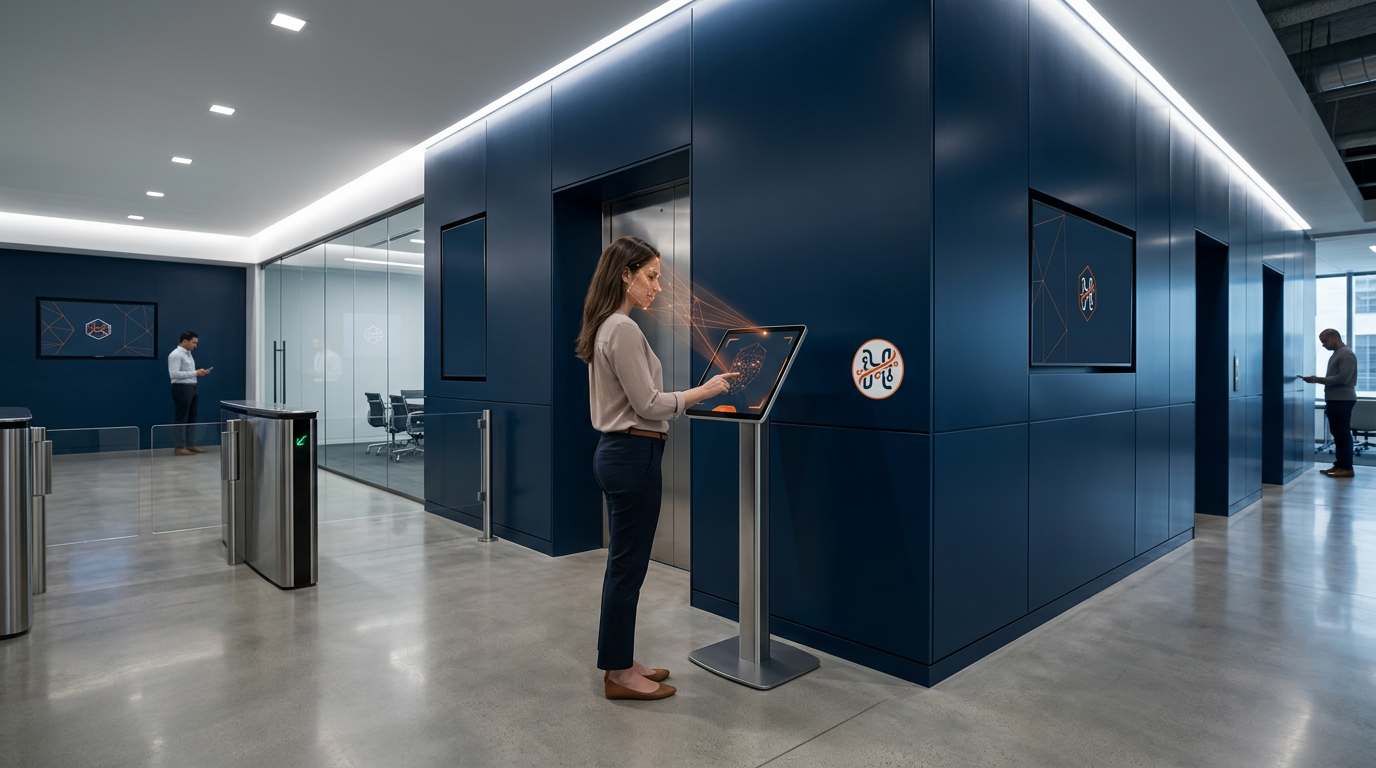
Facial recognition represents the gold standard for high-throughput, secure employee verification. Powered by machine vision algorithms, modern facial recognition attendance identifies personnel within milliseconds without requiring physical contact.
- Anti-Spoofing and Liveness Detection: High-tier systems incorporate optical depth analysis and 3D liveness detection. Static photographs, video replays, or digital renders displayed on phone screens cannot trick the sensor.
- Frictionless Shift Changes: For high-volume environments like distribution hubs, construction gates, and manufacturing lines, facial recognition processes dozens of workers per minute, preventing bottlenecking at entry gates.
3. Geofenced Mobile Tracking
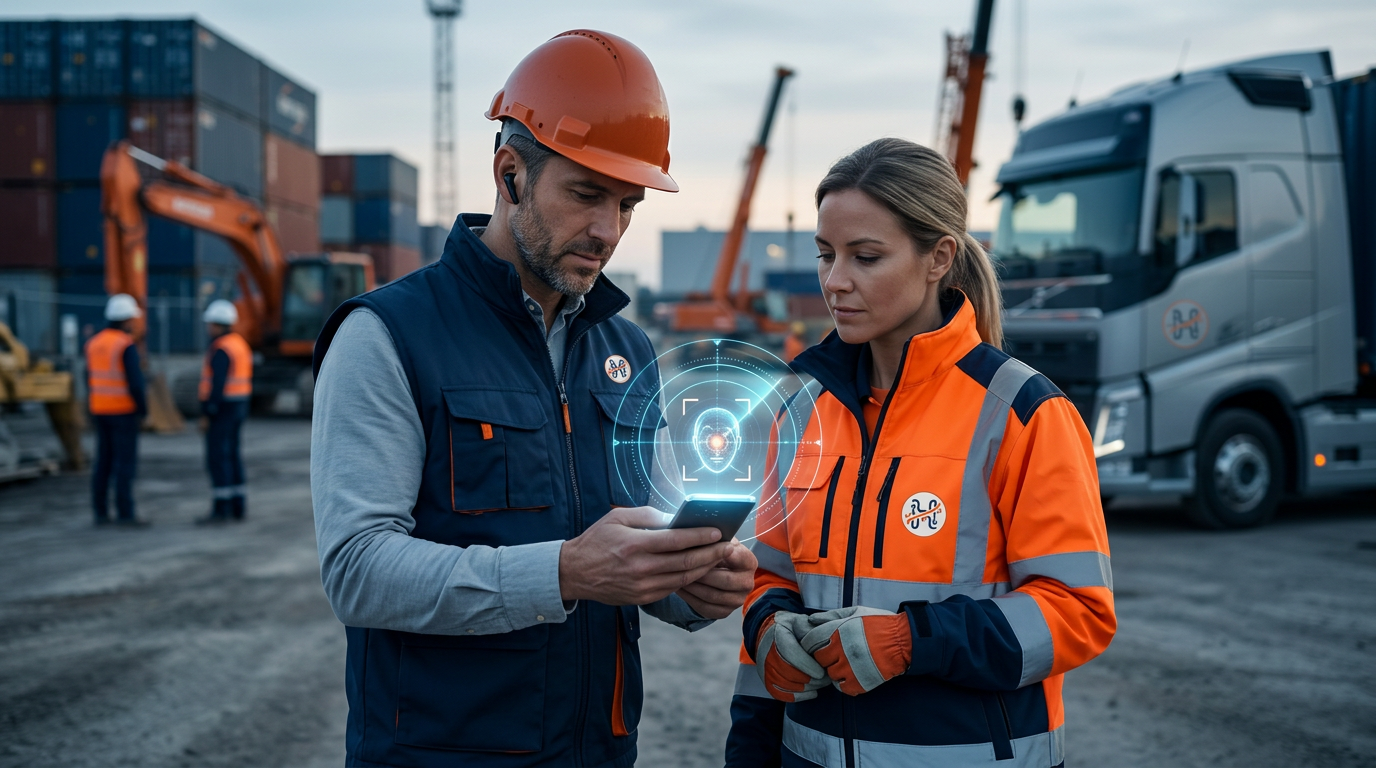
For logistics drivers, home-service technicians, and construction crews, physical wall terminals are impractical. Mobile-first attendance enables clock-ins via native smartphone apps paired with GPS geofencing.
- Configurable Geofences: Management sets virtual geographic perimeters around project sites or branch offices. Employees can only register shifts when their mobile GPS coordinates fall within designated radius boundaries.
- Tamper Prevention: Enterprise-grade platforms detect mock locations, rooted operating systems, and proxy GPS applications to prevent location spoofing.
Comparing Clock-In Methods for Modern Teams
Selecting the right attendance mechanism depends on operational scale, workplace environment, and data privacy needs:
| Attendance Method | Best Use Case | Hardware Footprint | Spoofing Risk | Implementation Speed |
|---|---|---|---|---|
| Facial Recognition | Manufacturing, Warehouses, Corporate HQs | Low (Tablet / Mobile Camera) | Extremely Low (Liveness Detection) | Fast (Cloud setup) |
| Dynamic QR Codes | Retail Outlets, Hospitality, Small Offices | Minimal (Any Screen or Print Display) | Low (Time-expiring tokens) | Immediate |
| GPS Geofencing | Field Sales, Logistics, Remote Workers | Zero (Employee Smartphone) | Low (Anti-mock GPS engines) | Immediate |
| Legacy Biometric Devices | Industrial Turnstiles, High-Security Facilities | High (Dedicated Hardware Terminals) | Low | Moderate to Slow |
Integrating Hardware Terminals with Cloud Attendance Logs
Many established companies operate existing physical access turnstiles or optical fingerprint scanners. Replacing these investments is often unnecessary.
Modern attendance platforms bridge on-premise hardware with the cloud via secure API webhooks or localized data sync agents. When an employee clears an entry turnstile, the hardware broadcasts an encrypted log to the cloud software. The platform aggregates logs across multiple branches, warehouses, and overseas subsidiaries into a unified dashboard.
This unified pipeline ensures that whether an employee clocks in via a biometric turnstile in a central warehouse, a QR code at a retail counter, or a facial recognition app on an iPad, their hours populate the same centralized attendance database.
Timesheets, Attendance History, and Real-Time Monitoring
Recording clock-in events is only half the battle. The operational value of employee attendance management lies in what happens next: processing raw timestamps into actionable business data.
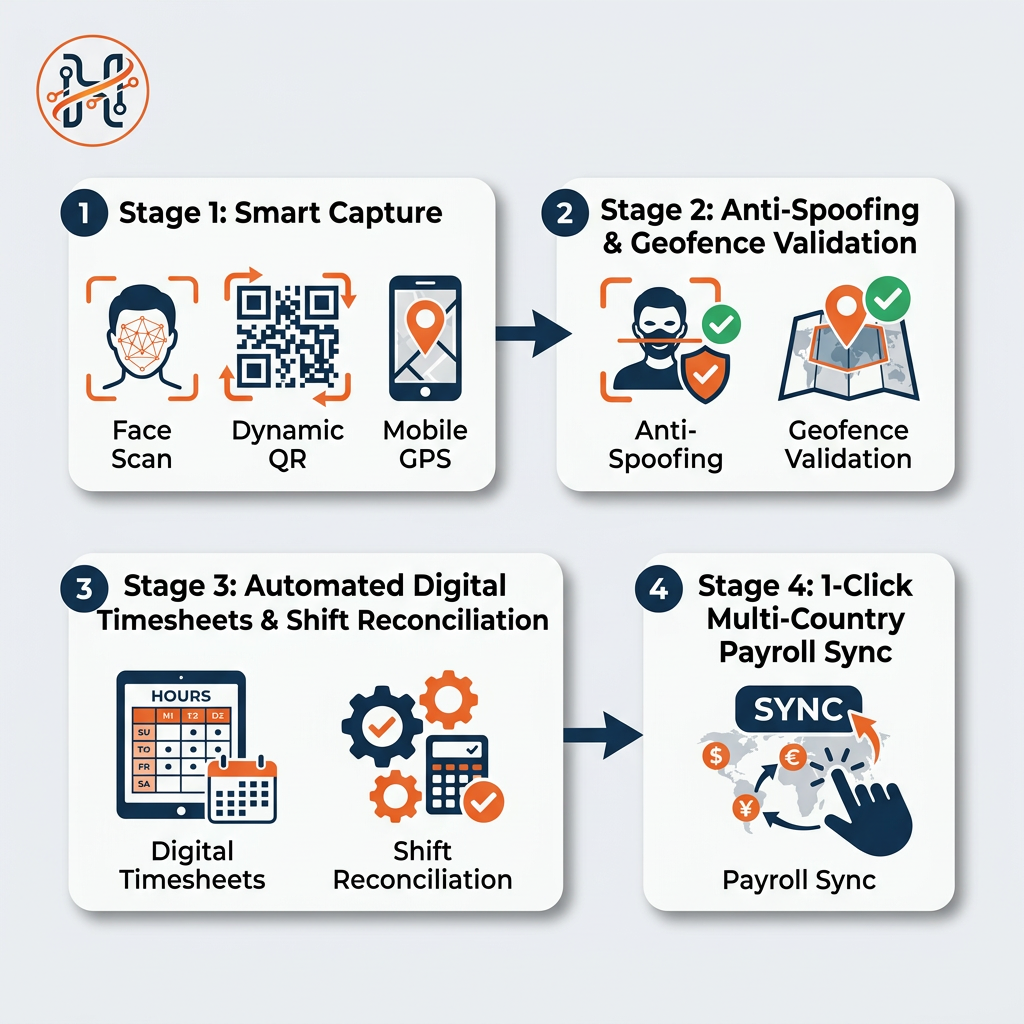
The Data Flow: Raw Punch Logs (Face/QR/GPS) → Automated Shift Reconciliation → Approved Digital Timesheets → Payroll & Compliance Calculation
Automated Digital Timesheets
Manual calculation of split shifts, night-differential allowances, grace periods, and late deductions introduces costly errors. Cloud attendance systems automatically cross-reference punch logs against scheduled shift rotas, flagging discrepancies, missing punches, or unauthorized overtime for manager approval with a single click.
Real-Time Workforce Dashboards
Floor managers and department heads require real-time situational awareness. Integrated systems feature live occupancy monitors displaying:
- Staff members currently active on-site.
- Unexplained absences or unpunctual arrivals.
- Real-time floor counts for building evacuation safety compliance.
HR Suite features a visual Company Health Monitor that highlights operational anomalies using clear color indicators (Green for healthy, Yellow for items needing attention, and Red for critical workforce deficits).
Self-Service Regularization
Empowering workers through employee self-service improves transparency. When an employee forgets to clock out or conducts an approved off-site client visit, they can submit an electronic regularization request directly from their workspace. Once their supervisor approves it, the timesheet updates automatically without manual HR intervention.
Bridging Attendance Directly with Payroll and Compliance
When attendance data flows seamlessly into payroll processing, organizations save dozens of administrative hours each billing cycle. Manual re-keying of hours, overtime calculations, and leave deductions is entirely eliminated.
Furthermore, automated tracking protects companies from costly regulatory non-compliance. International labor standards—such as those established by the International Labour Organization (ILO) and regional statutory bodies—mandate strict adherence to maximum weekly working hours, compulsory rest periods, and transparent overtime compensation.
In markets with strict wage protection systems, such as the GCC, accurate attendance records provide an immutable audit trail, ensuring that salary files accurately correspond to recorded hours worked.
Elevate Your Workforce Operations with HR Suite
Spreadsheets, mechanical punch clocks, and disconnected attendance apps introduce unnecessary operational risk. Modern enterprises need a cohesive platform that unifies attendance, core employee records, shift scheduling, and payroll in a single ecosystem.
HR Suite by Smart Chain combines dynamic QR scanning, facial recognition with anti-spoofing technology, and GPS-enabled mobile attendance with automated timesheets and multi-country payroll compliance. Give your managers real-time visibility while offering your employees a modern self-service experience.
Take the next step in modernizing your workforce operations. Explore HR Suite features or contact our solution experts today to schedule a tailored demonstration.
Modernize your workforce tracking today. Start your 14-day free trial of HR Suite and experience automated attendance, facial recognition, and instant payroll integration.
Frequently asked questions
How does facial recognition attendance prevent buddy punching?
Facial recognition systems utilize AI-driven liveness detection and optical depth analysis to ensure the individual is physically present before logging a punch. Static photographs, video replays, or digital headshots shown on smartphone screens are automatically detected and rejected as spoof attempts.
Can field or mobile employees clock in without hardware terminals?
Yes. Mobile-first attendance utilizes native smartphone applications paired with GPS geofencing. Administrators set precise geographic boundaries around work zones, enabling field employees to clock in only when physically within their designated operating perimeter.
Can an integrated attendance management system connect with existing turnstiles?
Yes. Modern platforms provide API webhooks and device connectors that ingest raw punch events directly from physical biometric scanners, optical turnstiles, and RFID gates, aggregating all location data into a unified cloud database.
How does attendance data translate into payroll processing?
The platform automatically reconciles raw clock-in/out timestamps against predefined shift rules, grace periods, and break schedules to build digital timesheets. Once approved by managers, calculated regular hours, overtime, and deductions flow directly into payroll without manual re-entry.